Project windows
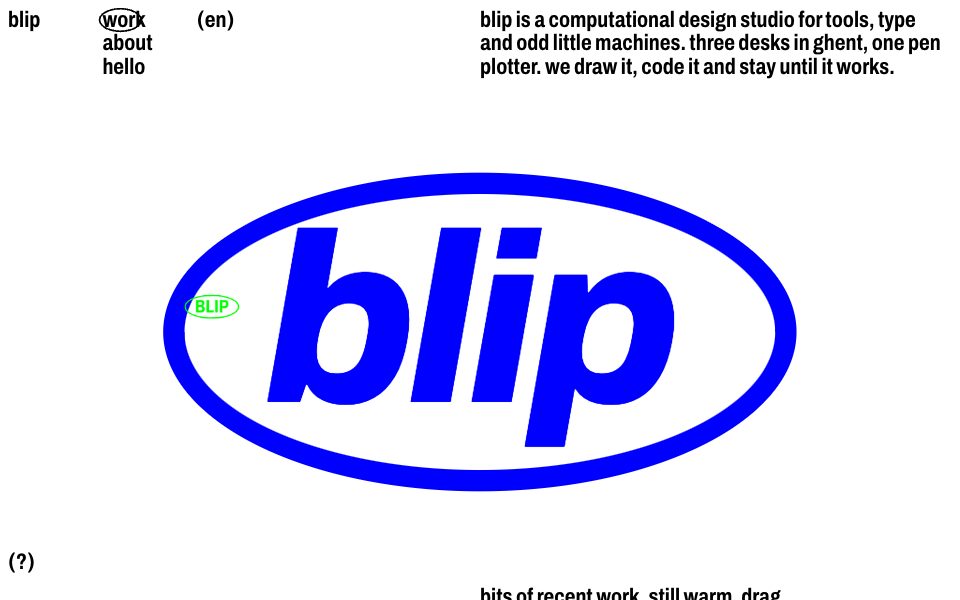
Overlapping square project windows in flat primaries with drawn artwork (festival lettering, an interface screen with a sliding pill, generative dots). Drag them around, touch to bring to front, arrow keys nudge them. A title floats above the one you hover.
Part of the style
Sticker Badge Studio
6 parts that belong together, with their tokens, type and rules.
https://kitbash.me/components/sticker-badge-studio/windows/figma.html?palette=5c9cfd786f57dde6
Use the Figma MCP server (https://mcp.figma.com/mcp). Download https://kitbash.me/components/sticker-badge-studio/windows/figma.html?palette=5c9cfd786f57dde6 and pass that whole HTML document to the html_to_figma tool, so the part "Project windows" lands as editable layers in my open Figma file. Fonts come from Google Fonts: if a face is missing in Figma, pick the closest one.
Code
<style>
/* Goes after the pack's base.css */
:root {
  --ink: #17100e;
  --paper: #f83e37;
  --flood-shade: rgba(23, 16, 14, 0.82);
  --veil: rgba(233, 44, 42, 0.86);
  --signal-blue: #370007;
  --card-screen: #40080f;
  --card-screen-chip: #fecccb;
  --card-lilac: #fff6f6;
  --signal-red: #47020a;
  --card-pink: #fdd4d2;
  --signal-green: #ffcecc;
  --card-lemon: #fff6f6;
  --card-mint: #fde3e2;
  --card-moss: #2f0e0f;
}
</style>

<section class="windows" aria-label="selected work">
  <p class="windows__note">bits of recent work, still warm. drag them around, nothing breaks.</p>

  <div class="windows__field">
    <article class="windows__card windows__card--lemon" tabindex="0" aria-label="nachtmarkt 2026, festival lettering. drag or use arrow keys to move">
      <h3 class="windows__title">nachtmarkt ’26</h3>
      <div class="windows__art windows__art--lettering" aria-hidden="true">
        <span class="windows__lettering">nacht<br>markt</span>
      </div>
    </article>

    <article class="windows__card windows__card--mint" tabindex="0" aria-label="field notes, generative dots for a weather archive. drag or use arrow keys to move">
      <h3 class="windows__title">field notes</h3>
      <div class="windows__art windows__art--dots" aria-hidden="true">
        <svg class="windows__dots" viewBox="0 0 90 90"></svg>
      </div>
    </article>

    <article class="windows__card windows__card--lilac" tabindex="0" aria-label="ordo, a tool for print and screen. drag or use arrow keys to move">
      <h3 class="windows__title">ordo app</h3>
      <div class="windows__art windows__art--screen" aria-hidden="true">
        <div class="windows__screen">
          <span class="windows__chips"><span class="windows__chip">ordo</span><span class="windows__chip">files</span><span class="windows__chip">help</span></span>
          <span class="windows__pill"><span class="windows__pill-knob"></span><span class="windows__pill-word">print</span><span class="windows__pill-word">screen</span></span>
        </div>
      </div>
    </article>
  </div>
</section>

<style>
  .windows {
    --windows-card: clamp(11rem, 28vw, 25rem);
    position: relative;
    height: var(--stage-height);
    overflow: hidden;
    padding: var(--edge);
    background: var(--paper);
  }
  .windows__note {
    position: absolute;
    top: var(--edge);
    left: 50%;
    max-width: 30ch;
    margin: 0;
    padding-right: var(--edge);
    text-wrap: pretty;
  }
  .windows__field {
    position: absolute;
    inset: 0;
  }
  .windows.is-ready .windows__card {
    opacity: 1;
    scale: 1;
  }
  .windows__card {
    --x: 20%;
    --y: 20%;
    --dx: 0px;
    --dy: 0px;
    position: absolute;
    top: min(var(--y), 100% - var(--windows-card) - var(--edge));
    left: min(var(--x), 100% - var(--windows-card) - var(--edge));
    width: var(--windows-card);
    aspect-ratio: 1;
    border-radius: var(--radius-window);
    box-shadow: var(--shadow-window);
    cursor: grab;
    touch-action: none;
    user-select: none;
    opacity: 0;
    scale: 0.96;
    translate: var(--dx) var(--dy);
    transition: box-shadow 0.25s var(--ease), scale var(--time-fast) var(--ease), opacity var(--time) var(--ease) var(--delay, 0s);
  }
  .windows__card:hover,
  .windows__card:focus-visible {
    box-shadow: var(--shadow-window-up);
    scale: 1.015;
  }
  .windows__card:focus-visible {
    outline: 2px solid var(--ink);
    outline-offset: 3px;
  }
  .windows__card.is-held {
    box-shadow: var(--shadow-window-up);
    cursor: grabbing;
    scale: 1.03;
  }
  .windows__card--lemon { --x: 18%; --y: 46%; background: var(--card-lemon); --delay: 0.05s; }
  .windows__card--mint { --x: 53%; --y: 24%; background: var(--card-mint); --delay: 0.15s; }
  .windows__card--lilac { --x: 31%; --y: 14%; background: var(--card-lilac); --delay: 0.25s; }

  .windows__title {
    position: absolute;
    bottom: 100%;
    left: 0;
    margin: 0 0 0.2em;
    font: inherit;
    white-space: nowrap;
    opacity: 0;
    translate: 0 0.3em;
    transition: opacity var(--time) var(--ease), translate var(--time) var(--ease-pop);
    pointer-events: none;
  }
  .windows__card:hover .windows__title,
  .windows__card:focus-visible .windows__title,
  .windows__card.is-held .windows__title {
    opacity: 1;
    translate: 0 0;
  }
  .windows__art {
    position: absolute;
    inset: 0;
    display: grid;
    place-items: center;
    overflow: hidden;
    border-radius: inherit;
  }

  /* Festival lettering: fat wide letters with a pink outline knocked slightly out of register. */
  .windows__art--lettering {
    place-items: end center;
    padding-bottom: 16%;
  }
  .windows__lettering {
    color: var(--card-moss);
    font-size: calc(var(--windows-card) * 0.2);
    font-stretch: 125%;
    font-weight: 900;
    line-height: 0.82;
    letter-spacing: -0.04em;
    text-align: center;
    text-shadow:
      0.045em 0.04em 0 var(--card-pink),
      -0.02em 0 0 var(--card-pink),
      0.02em 0 0 var(--card-pink),
      0 -0.02em 0 var(--card-pink),
      0 0.02em 0 var(--card-pink);
  }

  /* Interface screen: a deep blue screen in a lilac frame with a pill switch that slides by itself. */
  .windows__art--screen {
    align-content: start;
    padding: 18% 7% 0;
  }
  .windows__screen {
    position: relative;
    display: grid;
    place-items: center;
    width: 100%;
    aspect-ratio: 1.38;
    border-radius: calc(var(--radius-window) * 0.5);
    background: var(--card-screen);
    color: var(--paper);
    font-size: calc(var(--windows-card) * 0.035);
    font-stretch: 100%;
    font-weight: 500;
  }
  .windows__chips {
    position: absolute;
    top: 0.6em;
    left: 0.6em;
    display: flex;
    gap: 0.3em;
  }
  .windows__chip {
    padding: 0.15em 0.6em;
    border-radius: 1em;
    background: var(--card-screen-chip);
    font-size: 0.8em;
  }
  .windows__pill {
    position: relative;
    display: grid;
    grid-template-columns: 1fr 1fr;
    width: 70%;
    border-radius: 2em;
    background: var(--card-screen-chip);
    font-size: 1.3em;
  }
  .windows__pill-word {
    position: relative;
    padding: 0.7em 0;
    text-align: center;
  }
  .windows__pill-knob {
    position: absolute;
    inset: 0 50% 0 0;
    border-radius: 2em;
    background: var(--card-screen);
    animation: windows-slide 3.2s var(--ease-swing) infinite;
    animation-play-state: paused;
  }
  .windows.is-live .windows__pill-knob {
    animation-play-state: running;
  }
  @keyframes windows-slide {
    0%, 40% { translate: 0 0; }
    50%, 90% { translate: 100% 0; }
    100% { translate: 0 0; }
  }

  /* Generative dots: a field of dots breathing in a slow wave. */
  .windows__dots {
    width: 78%;
    color: var(--ink);
  }

  @media (max-width: 40rem) {
    .windows {
      height: auto;
      min-height: calc(var(--stage-height) + 5rem);
    }
    .windows__note {
      position: static;
      max-width: none;
      padding: 0;
    }
    .windows__card--lemon { --x: 6%; --y: 44%; }
    .windows__card--mint { --x: 46%; --y: 58%; }
    .windows__card--lilac { --x: 24%; --y: 26%; }
  }

  @media (prefers-reduced-motion: reduce) {
    .windows__pill-knob {
      animation: none;
    }
  }
</style>

<script>
(() => {
  const NUDGE = 24;
  const DOTS = 9;
  const STILL = window.matchMedia('(prefers-reduced-motion: reduce)');
  const SVG = 'http://www.w3.org/2000/svg';

  function drawDots(svg) {
    const dots = [];
    for (let row = 0; row < DOTS; row += 1) {
      for (let column = 0; column < DOTS; column += 1) {
        const dot = document.createElementNS(SVG, 'circle');
        dot.setAttribute('cx', String(column * 10 + 5));
        dot.setAttribute('cy', String(row * 10 + 5));
        dot.setAttribute('fill', 'currentColor');
        svg.append(dot);
        dots.push({ dot, row, column });
      }
    }
    return (time) => {
      for (const { dot, row, column } of dots) {
        const wave = Math.sin(column * 0.7 + row * 0.45 + time * 1.2) * Math.cos(row * 0.5 - time * 0.6);
        dot.setAttribute('r', (2.6 + wave * 2.1).toFixed(2));
      }
    };
  }

  function makeDraggable(card, field, raise) {
    let start = null;
    const offset = { x: 0, y: 0 };

    function place(x, y) {
      const left = card.offsetLeft;
      const top = card.offsetTop;
      offset.x = Math.min(Math.max(x, -left), field.clientWidth - card.offsetWidth - left);
      offset.y = Math.min(Math.max(y, -top), field.clientHeight - card.offsetHeight - top);
      card.style.setProperty('--dx', `${offset.x}px`);
      card.style.setProperty('--dy', `${offset.y}px`);
    }

    card.addEventListener('pointerdown', (event) => {
      raise(card);
      start = { x: event.clientX - offset.x, y: event.clientY - offset.y };
      card.setPointerCapture(event.pointerId);
      card.classList.add('is-held');
    });
    card.addEventListener('pointermove', (event) => {
      if (start) place(event.clientX - start.x, event.clientY - start.y);
    });
    const drop = () => {
      start = null;
      card.classList.remove('is-held');
    };
    card.addEventListener('pointerup', drop);
    card.addEventListener('pointercancel', drop);
    card.addEventListener('focus', () => raise(card));
    card.addEventListener('keydown', (event) => {
      const step = { ArrowLeft: [-NUDGE, 0], ArrowRight: [NUDGE, 0], ArrowUp: [0, -NUDGE], ArrowDown: [0, NUDGE] }[event.key];
      if (!step) return;
      event.preventDefault();
      place(offset.x + step[0], offset.y + step[1]);
    });
  }

  function setUp(root) {
    const field = root.querySelector('.windows__field');
    let top = 1;
    const raise = (card) => { top += 1; card.style.zIndex = String(top); };
    root.querySelectorAll('.windows__card').forEach((card) => makeDraggable(card, field, raise));

    const breathe = [...root.querySelectorAll('.windows__dots')].map(drawDots);
    breathe.forEach((draw) => draw(0));
    let frame = 0;
    const tick = (now) => {
      breathe.forEach((draw) => draw(now / 1000));
      frame = requestAnimationFrame(tick);
    };

    new IntersectionObserver(([entry]) => {
      root.classList.toggle('is-live', entry.isIntersecting);
      cancelAnimationFrame(frame);
      frame = entry.isIntersecting && !STILL.matches ? requestAnimationFrame(tick) : 0;
    }).observe(root);

    requestAnimationFrame(() => root.classList.add('is-ready'));
  }

  document.querySelectorAll('.windows').forEach(setUp);
})();
</script>
Similar components
Work grid with pill
Artefact scatter
Inset project tiles
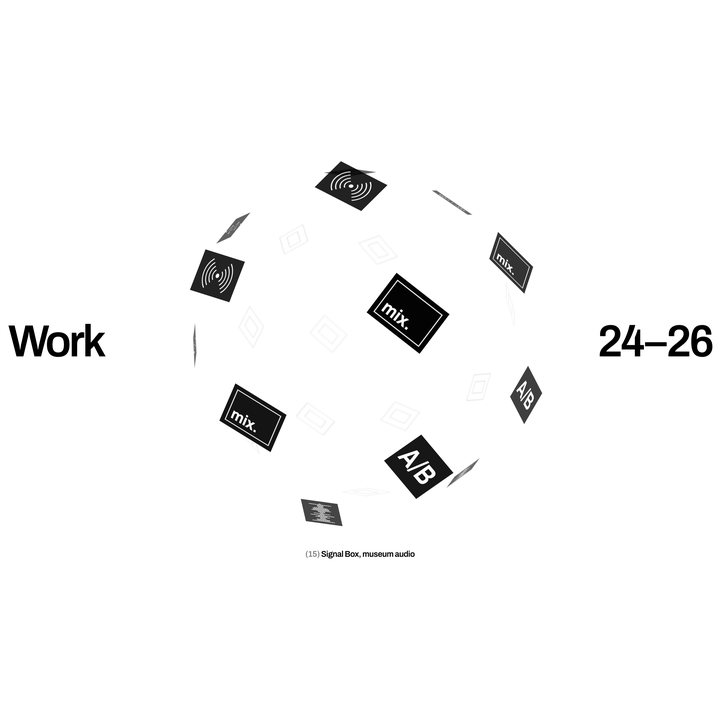
Work globe
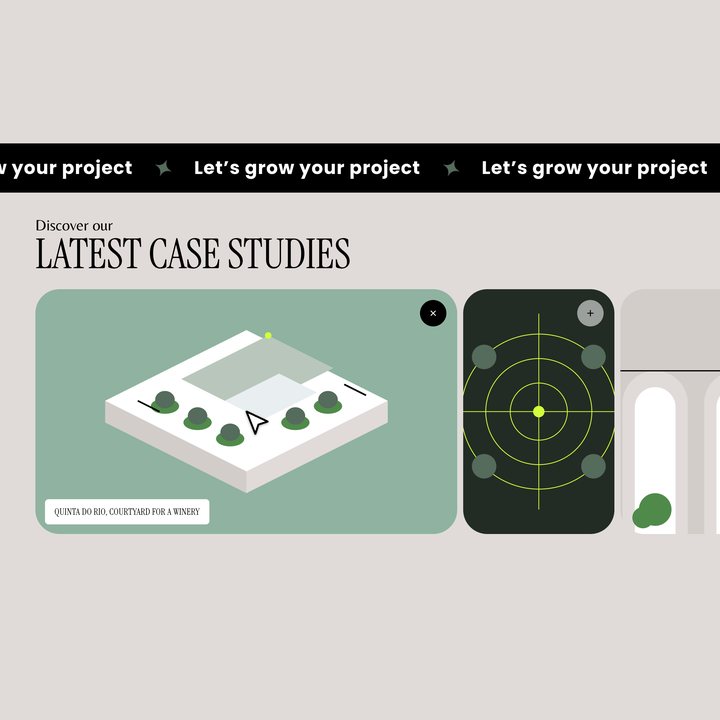
Band and case accordion
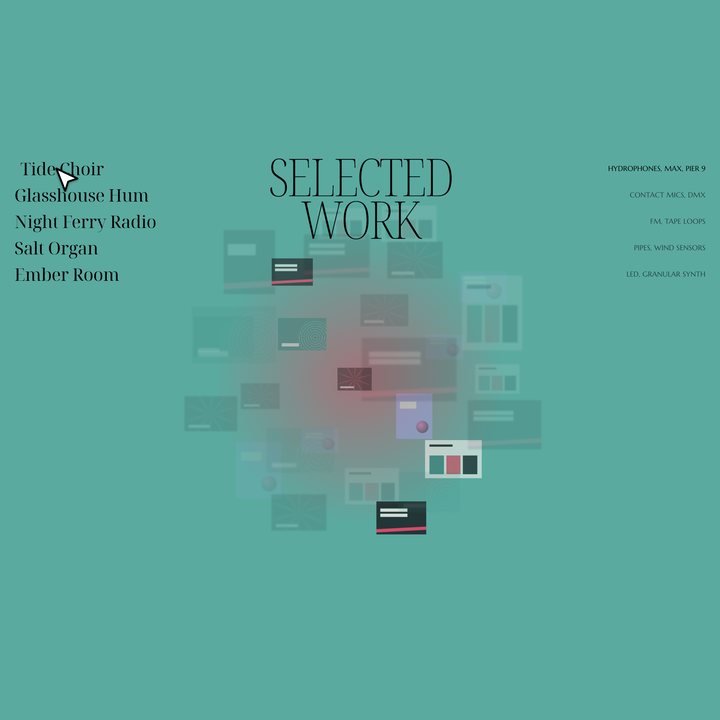
Work cloud
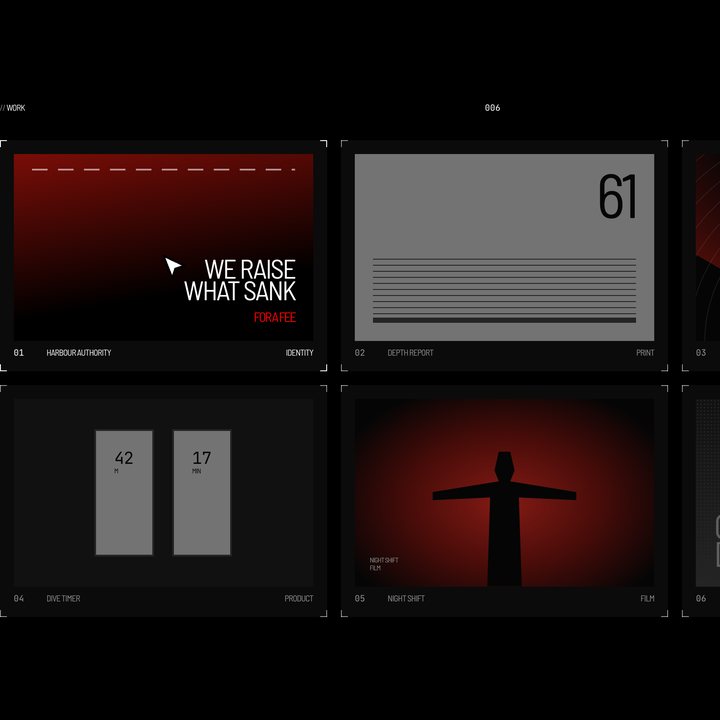
Work grid
Scrapbook board